Technology & Telematics · Driver Training VideoAdaptive Cruise Control
Adaptive cruise control holds a gap, but it is an assist, not an autopilot, and it can miss stopped vehicles and cut-ins. Drivers learn to pick the longest gap and turn it off in rain, ice, fog, and work zones.
 Branded with your logo & company name
What drivers learn
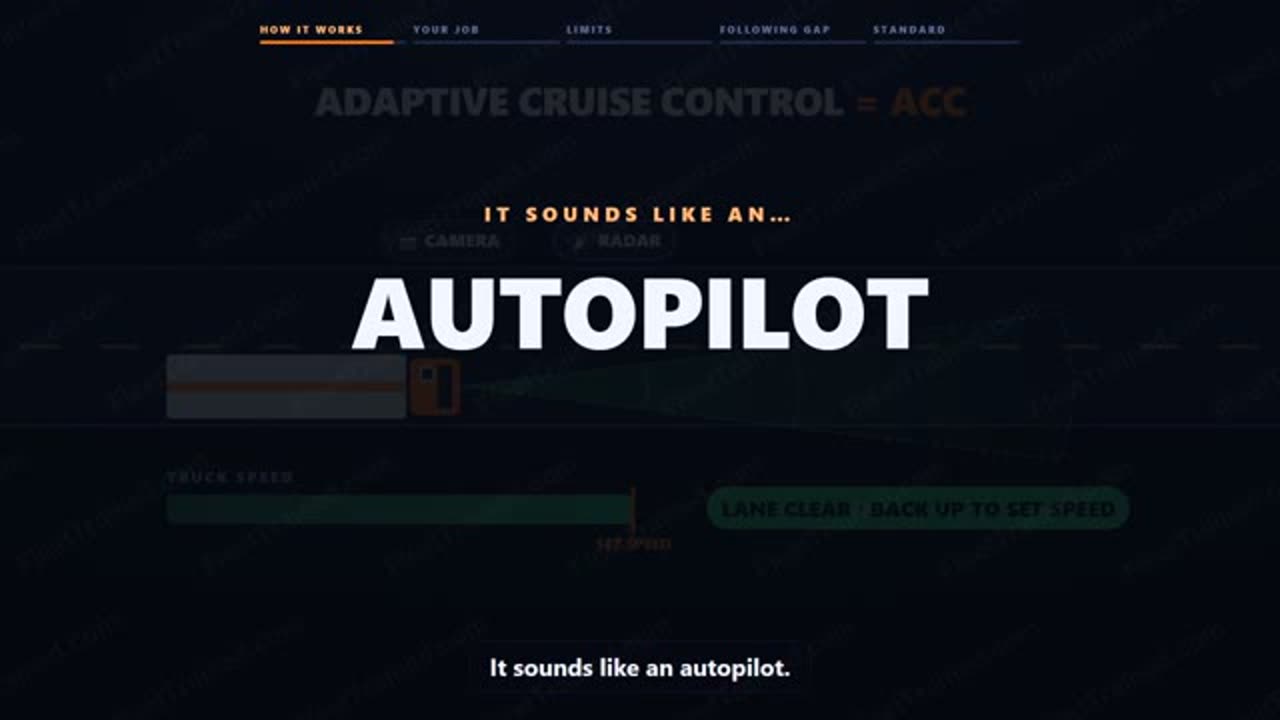
Adaptive cruise control, or ACC, uses forward-facing radar and camera to hold a set gap behind the vehicle ahead. Set your speed, and the system slows down when traffic ahead slows, then speeds back up when the lane clears. It sounds like an autopilot. It is not one.
ACC is a driver assistance system. It assists. It does not drive the truck. Your hands stay on the wheel, your foot stays near the brake, and your eyes stay on the road the entire time it's engaged.
Here's where drivers get hurt
ACC reads what's directly in front of you through radar and camera, and it struggles with the same things your eyes struggle with — heavy rain, snow, fog, or a dirty, iced-over sensor.
The following-distance rule does not go away because a computer is holding the gap. One second per ten feet of vehicle length, plus one more second above 40 miles per hour, is still the standard, and most ACC systems let you choose a following gap.
Your company standard: ACC stays on for open highway driving in clear conditions, set to the maximum available gap. Turn it off, and physically disengage, on wet or icy pavement, in fog, in work zones, in heavy or stop-and-go traffic, and on any ramp or curve.
Treat this system the way you'd treat a new driver riding with you — helpful, but not something you hand the wheel to. Use it to cut fatigue on long, clear stretches. Do not use it to check out.
Sample quiz questions
3 of the 10 questions drivers answer after the video. Quizzes run in the driver's own language.
- GPS satellite positioning and mapping software
- Forward-facing radar and camera
- Rear-view camera and blind-spot sensors
- Tire pressure and speed sensors only
Show answer
Forward-facing radar and camera
- A fully autonomous driving system that can be trusted in all conditions
- A backup braking system used only in emergencies
- A driver assistance system that assists but does not drive the truck
- A cruise control that only functions below 40 mph
Show answer
A driver assistance system that assists but does not drive the truck
- Hands on the wheel, foot near the brake, eyes on the road
- Hands free to rest, foot on the floor, eyes checking mirrors only
- Hands on the wheel, foot off the pedals, eyes on the dash
- Hands free, foot near the brake, eyes on the road
Show answer
Hands on the wheel, foot near the brake, eyes on the road
How fleets use this training
Pick Adaptive Cruise Control and send each driver a personal link by email, or copy the link and text it yourself.
Drivers watch on their phone and answer the quiz in their own language. No app, no login.
They sign on screen and get a certificate with your logo. Every completion is saved for DOT and insurance.
Train your drivers on Adaptive Cruise Control
Included in the Full Library plan ($129.99/mo, unlimited drivers). Unlimited drivers, cancel anytime. Prefer to own it? Order it branded for $4.99, one time.
Frequently asked questions
How long is the Adaptive Cruise Control training video?
About 3 min. Drivers watch it on their phone from a personal link, then take a 10-question quiz.
Is there a quiz and a completion certificate?
Yes. Every driver takes a 10-question quiz in their own language, signs on screen, and gets a completion certificate with your company name and logo. Records are saved for DOT audits and insurance.
Which languages is it available in?
Ready today in English. You can also order it branded in any other language for $2.99 per extra language.
How much does it cost?
Included in the Full Library plan ($129.99/mo, unlimited drivers). You can also order this video branded with your logo and company name in the voiceover for a one-time $4.99, yours to keep.